Quiper Documentation
Welcome to the official Quiper documentation. This guide serves as a comprehensive reference for both new users setting up Quiper for the first time and power users looking to write custom scripts or customize window transparency.
What is Quiper?
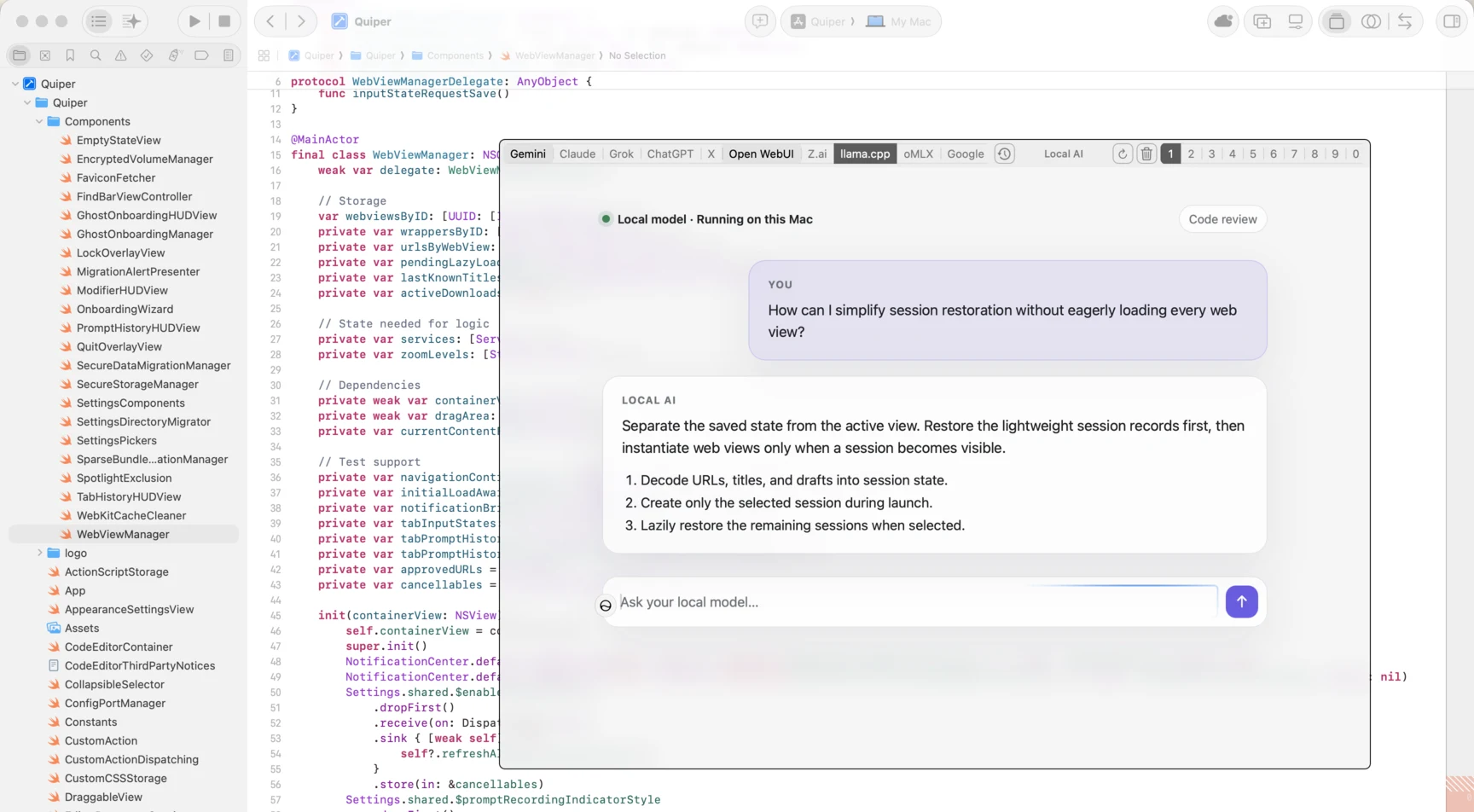
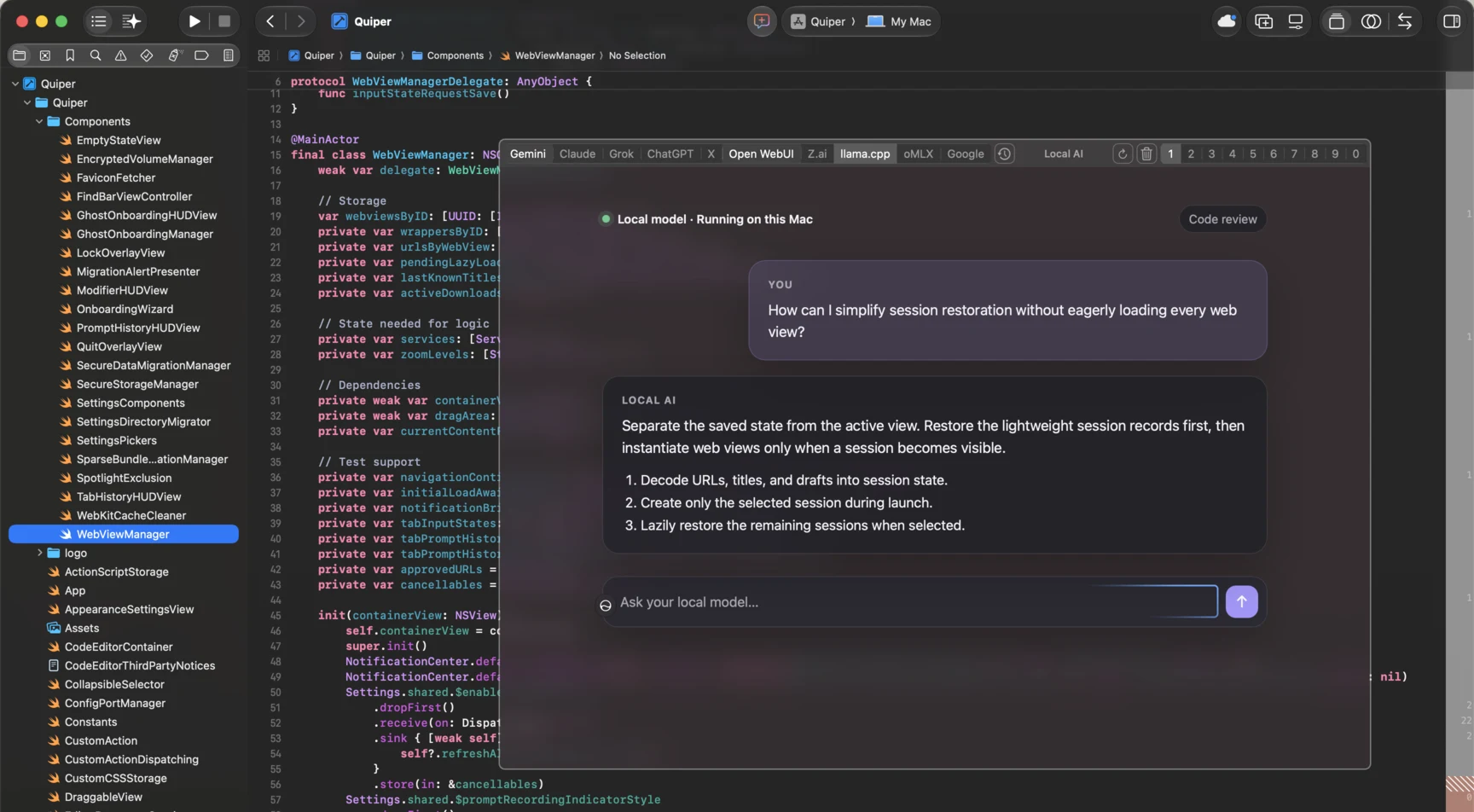
Quiper is an open-source, lightweight macOS utility that unifies all your AI chat interfaces (such as Gemini, Claude, ChatGPT, Grok, and local engines like Open WebUI) into a single, instant-access global overlay window.
Unlike standard web browsers or heavy desktop apps, Quiper is designed to be invisible when not in use:
- It operates completely out of the macOS Dock, residing strictly in the status menu bar.
- It is summoned instantly via a global hotkey overlay (
⌥ Spaceby default). - It provides dedicated, persistent memory slots for each engine, keeping sessions separated and cached.
- It encrypts sensitive conversations behind Touch ID authentication.
Core Philosophy
- Speed Above All: Summons in milliseconds, switches between engines instantly, and gets out of your way without rearranging your active desktop window configuration.
- Privacy and Verification: Quiper compiles transparently on GitHub Actions with verified supply chain attestations. Your sensitive engine data (cookies, storage, cache) is protected locally using AES-256 APFS sparsebundles, and we collect zero telemetry.
- Keyboard-Driven Control: Designed for keyboard power-users. Almost all actions (switching engines, switching sessions, resetting zoom, finding text) are mapped to standard modifier keys.
- Extensible and Customizable: Bring your own engines, override appearance styles using Custom CSS, and write custom JavaScript scripts (Custom Actions) to automate repetitious flows.
Documentation Sections
Explore our guides to configure and customize Quiper:
- Getting Started: Installation steps, launching, Gatekeeper workarounds, and update settings.
- Daily Workflow: Hotkeys, shortcuts tables, and session/engine switching.
- Managing Engines: Adding AI providers, setting up custom URLs, and configuring auto-focus selectors.
- Application Settings: Reference for behavior preferences, configuration backups, updates, and the danger zone.
- Appearance Settings: Tweaking transparency styles, blur levels, and outline configurations.
- Custom Actions (JS Scripting): Automating interactions with Javascript scripts and native utilities.
- Touch ID & Data Security: A detailed look at biometric encryption, sparsebundles, and local security.
- Troubleshooting & Diagnostics: Fixing hotkeys, resetting defaults, and debugging actions using the Web Inspector.